01Make room for
Make room for
a few minutes.
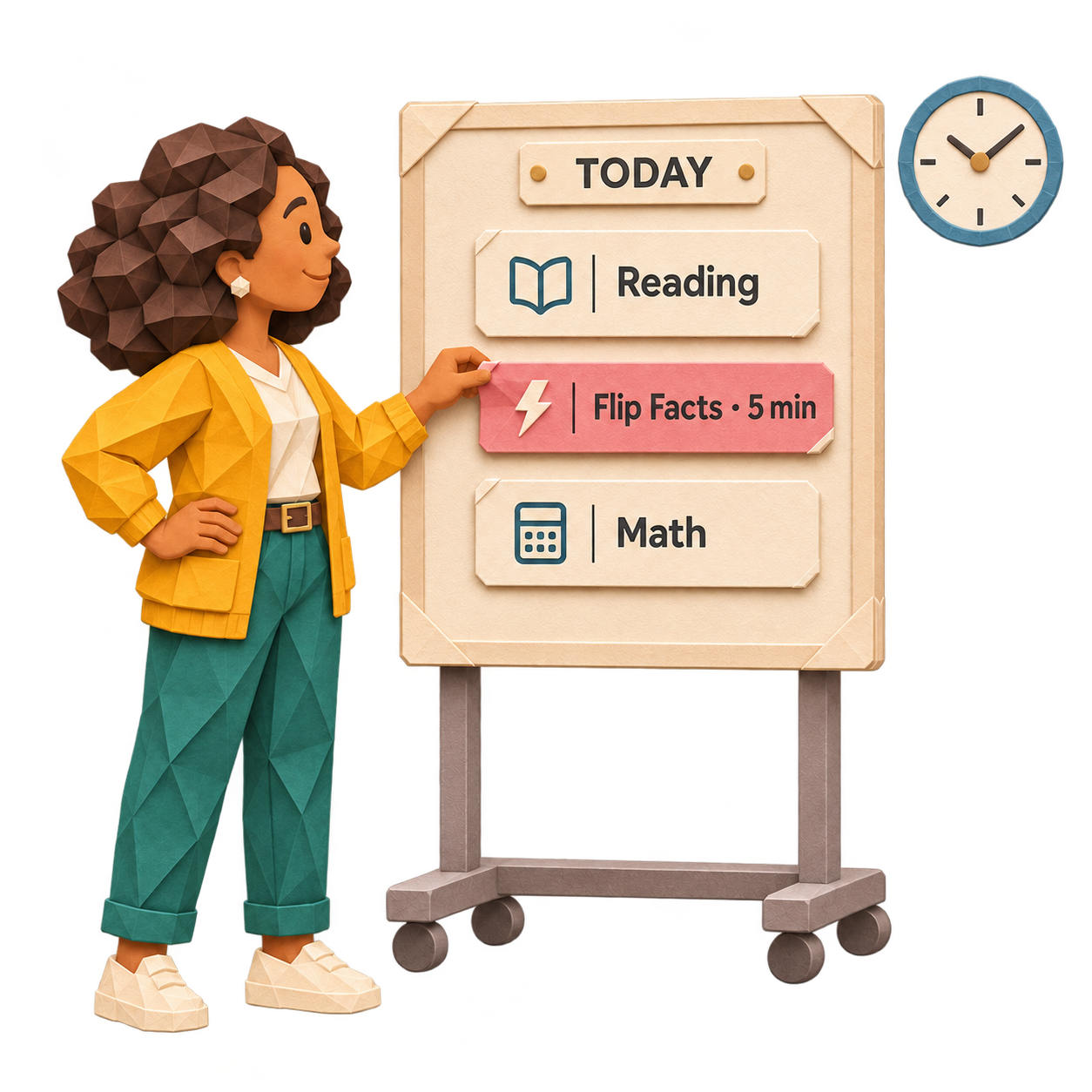
Start math with Flip Facts, or use it for a quick review. Three to five minutes is all you need for a short routine.
A warm-up. A transition. A daily habit.

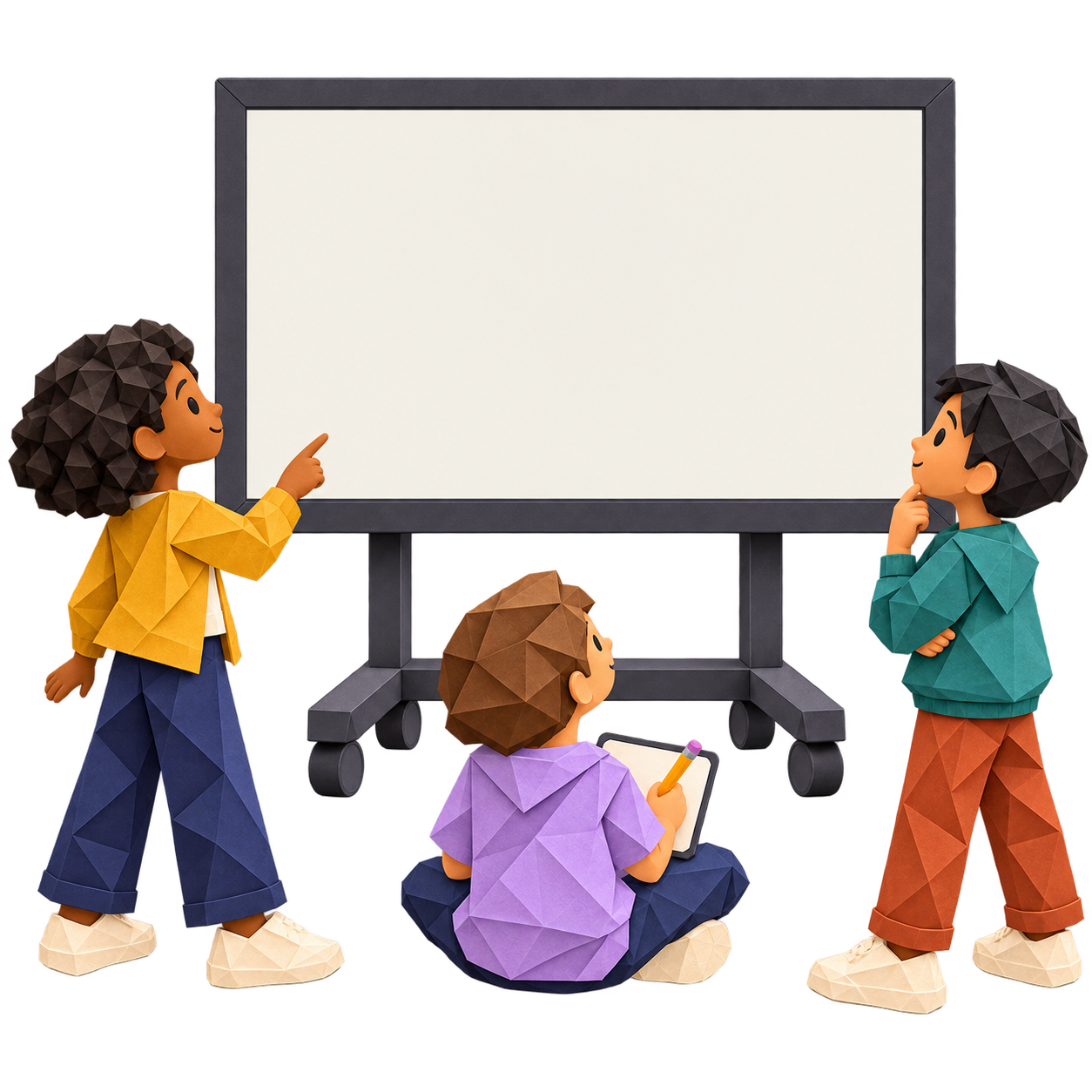
How many altogether?
Help students connect pictures, numbers, and related facts—with a short routine you lead on your classroom screen.
Free for teachers. No student devices or accounts needed.
A LITTLE TIME. A WHOLE CLASS.
A small space in your day. A shared moment of mathematical thinking.
Start math with Flip Facts, or use it for a quick review. Three to five minutes is all you need for a short routine.
A warm-up. A transition. A daily habit.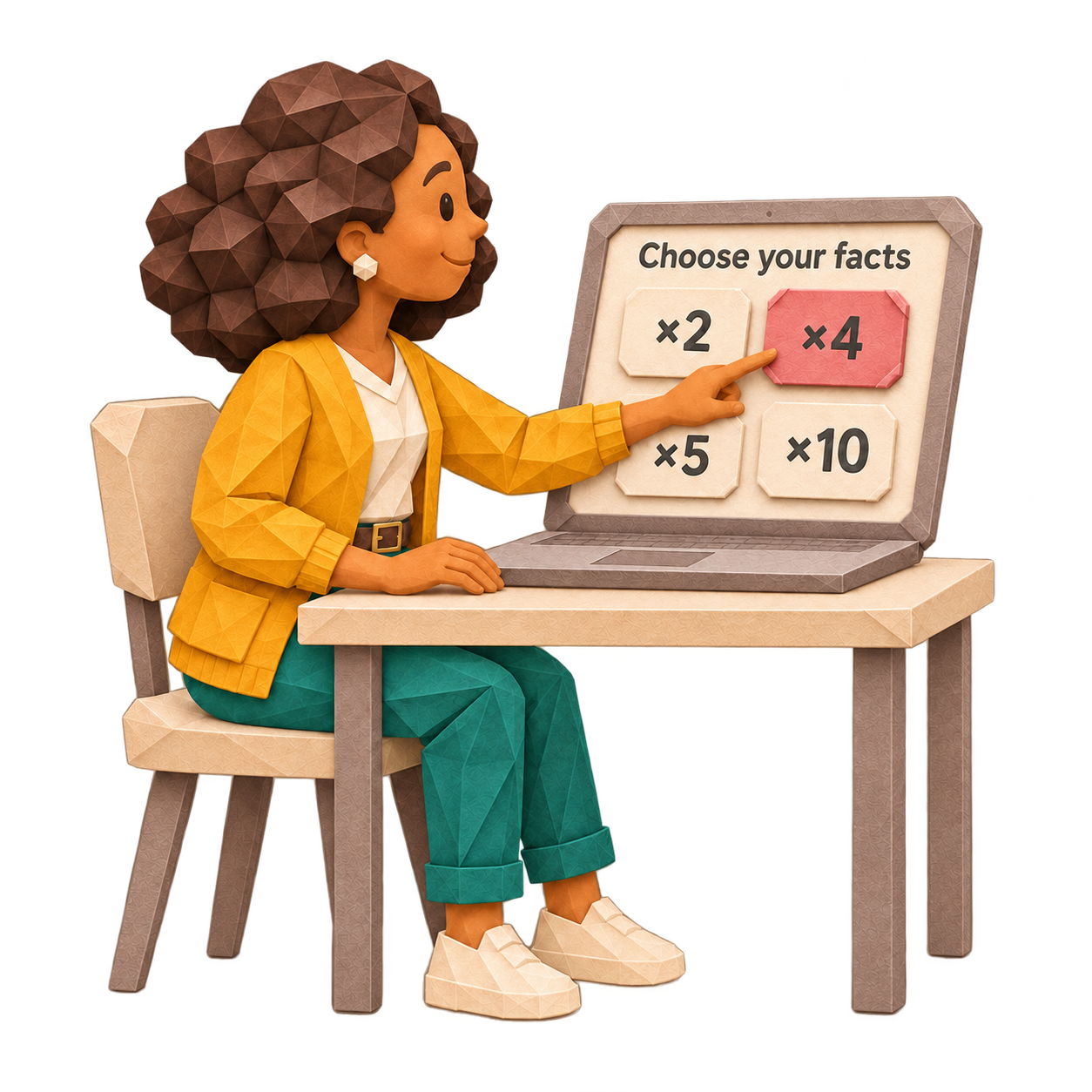
Pick an activity that matches what you’re teaching. Follow the sequence or revisit familiar facts.
Explore the fact families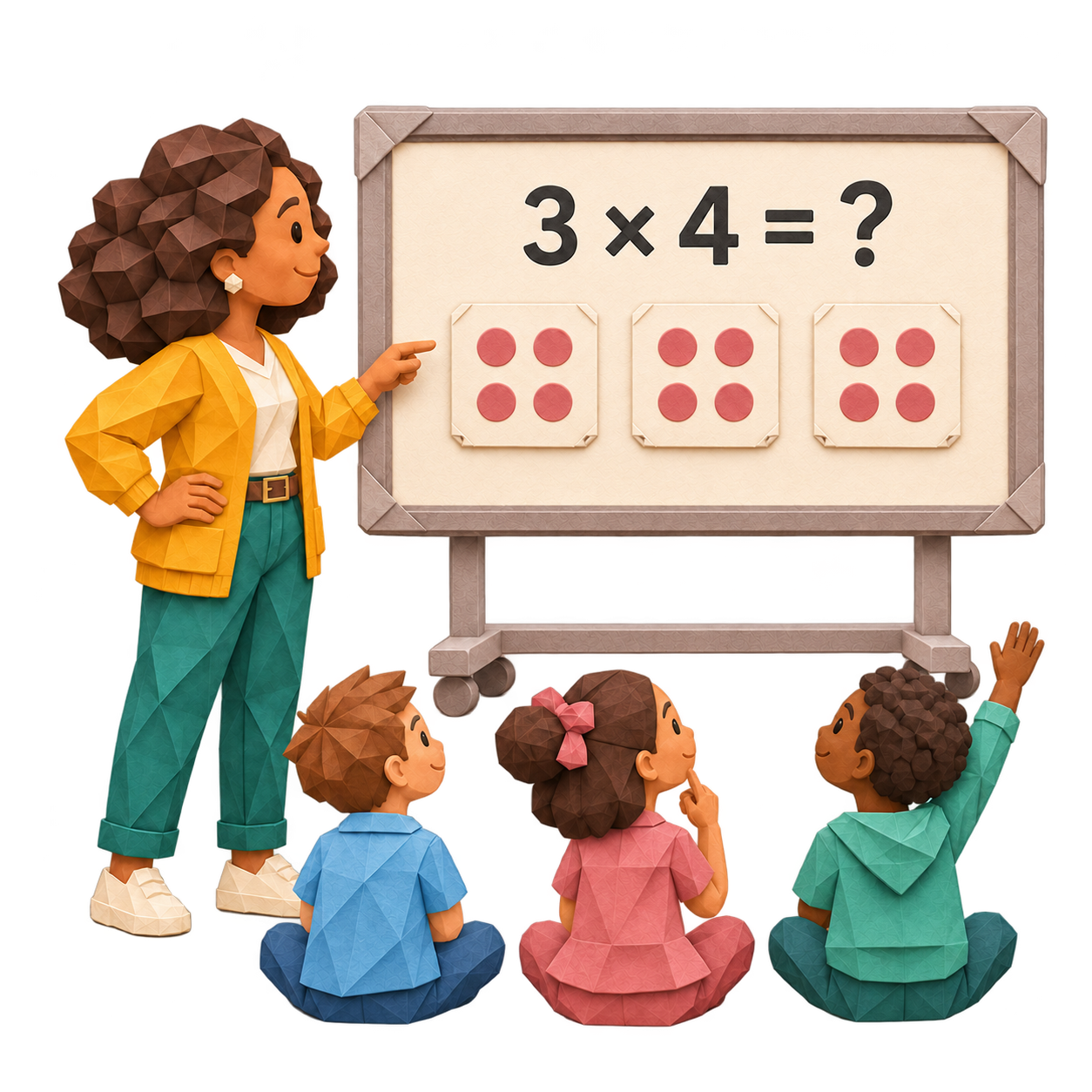
Show a question, give everyone time to think, then reveal and discuss the answer. You control the pace.
One classroom screen. Everyone included.Quick, structured practice connects quantities, numbers, and missing parts
across a wide range of visual contexts.
Reveal each hidden card to explore four examples.
01 / PRACTICE FACTS IN DIFFERENT CONTEXTS
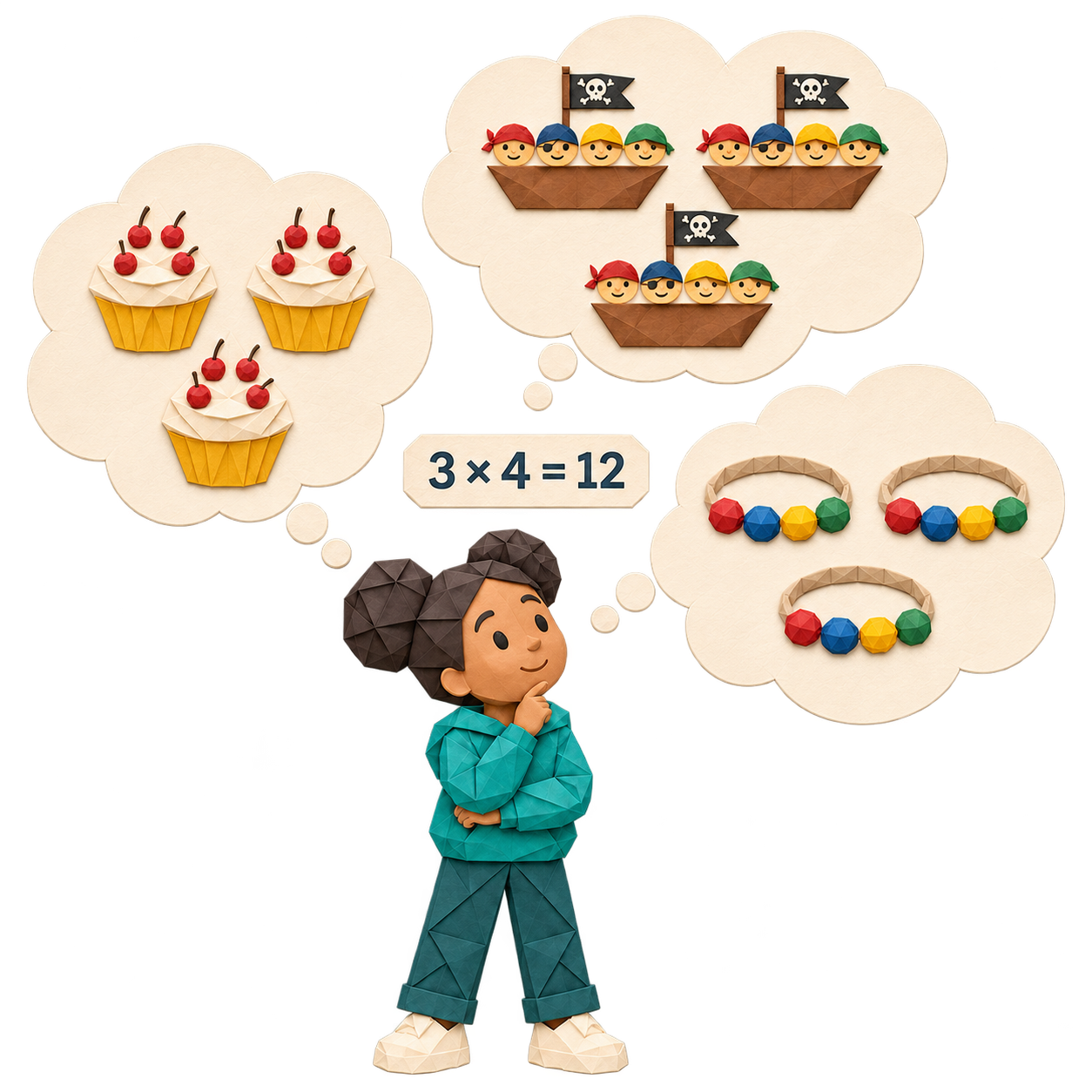
Three groups of four can be cupcakes with cherries, ships with pirates, or bracelets with beads.
Flip Facts gives students practice connecting different situations to the same mathematical relationship.
02 / SEE THE QUANTITIES BEHIND THE FACTS
See two and one make three.
Connect it to the numbers.
Practice facts while connecting the quantities you can see to the number sentences you can read. Try a related fact above.
03 / CONNECT RELATED FACTS
Move between finding a total and finding a missing part. Explore how related facts connect.
The question changes. The mathematical relationship stays connected.
“I personally like that it shows it both pictorially and with the number sentence. I also like when it switches to having a factor missing versus the product. That is something that is not practiced enough.”
Choose a fact group, pick an activity, and try three questions. No account needed.
A free teacher account gives you full activities and saves your class’s place.
A few facts a day, with your whole class.
Choose an activity and put it on your classroom screen.
Yes. Try the interactive examples and three-question starter previews without an account. Create a free teacher account to use all full activities and save which ones you’ve taught.
No individual devices or student accounts are needed. Display the activity on a shared classroom screen and lead the discussion.
Yes. Reveal answers when you’re ready, revisit or skip facts, switch between pictures and numbers, and control music and sound separately.
No. The taught record helps you remember which activities you’ve used. It does not assess or track individual students.